Ordre blir vanligvis levert til Norge innen 48 timer. Leveringstid vil avhenge av beliggenhet.
Fri frakt til Norge på ordre over kr 420. Det tilkommer frakttillegg på kr 145 på alle ordrer på under kr 420.
UPS-frakt forhåndsbetalt: DDP (toll og toll betalt av DigiKey)
FedEx- eller DHL-frakt forhåndsbetalt: CPT (toll, toll og merverdiavgift som skal betales ved levering)
Kredittkonto for kvalifiserte institusjoner og virksomheter
Forhåndsbetaling med bankoverføring
![]()
![]()
![]()
![]()


Flere produkter fra fullt autoriserte partnere
Gjennomsnittlig forsendelsestid 1–3 dager, ekstra fraktkostnader kan tilkomme. Se produktsiden, handlekurven og kassen for faktisk forsendelsestid.
Incoterms: CPT (toll, importavgifter og gjeldende merverdiavgift betales ved levering)

For mer informasjon, besøk Hjelp og support
Practice reading or listening to other languages with this multi-lingual speaking weather & wardrobe assistant on the Raspberry Pi 5.
This project successfully merges the nostalgic charm of a vintage tube radio with the power of modern internet streaming using the Crowpanel 7-inch Pi Terminal.
How to create a professional, full-screen weather dashboard featuring a 5-day forecast and dynamic meteogram using the Elecrow Pi Terminal and Raspberry Pi.
This project perfectly fuses the iconic Winamp software with modern Raspberry Pi functionality, where every original Winamp function is fully touch-responsive on the finished product, demonstrating a successful and practical tribute to a legendary media player.
Pulling the plug on your Raspberry Pi before it safely shuts down... is a bad idea! This can result in a corrupt microSD card and file system. Normally, we can use the menu bar from the GUI or type a command in the terminal window to safely shutdown the Pi.
Learn how to install Windows 11 on Raspberry Pi 4 and Pi 5. Step-by-step tutorial with WoR setup, UEFI configuration, and performance tips for 2025.
Use a Pico W or Pico 2W to bridge a wireless keyboard to a USB host.
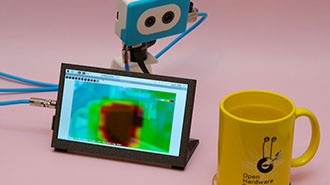
This project fuses the Raspberry Pi's camera feed with a thermal graphic overlay.
Learn how to set a static IP on Raspberry Pi using NetworkManager (nmcli) and GUI methods. Complete step-by-step guide for Raspberry Pi OS Bookworm with screenshots and troubleshooting tips.
Learn how to boot Raspberry Pi from USB without using SD card. This step-by-step guide covers Raspberry Pi 3, 4, and 5 models, helping you improve system reliability and performance.
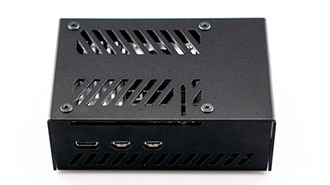
Learn how to assemble our NVMe Base Case for Raspberry Pi 5.
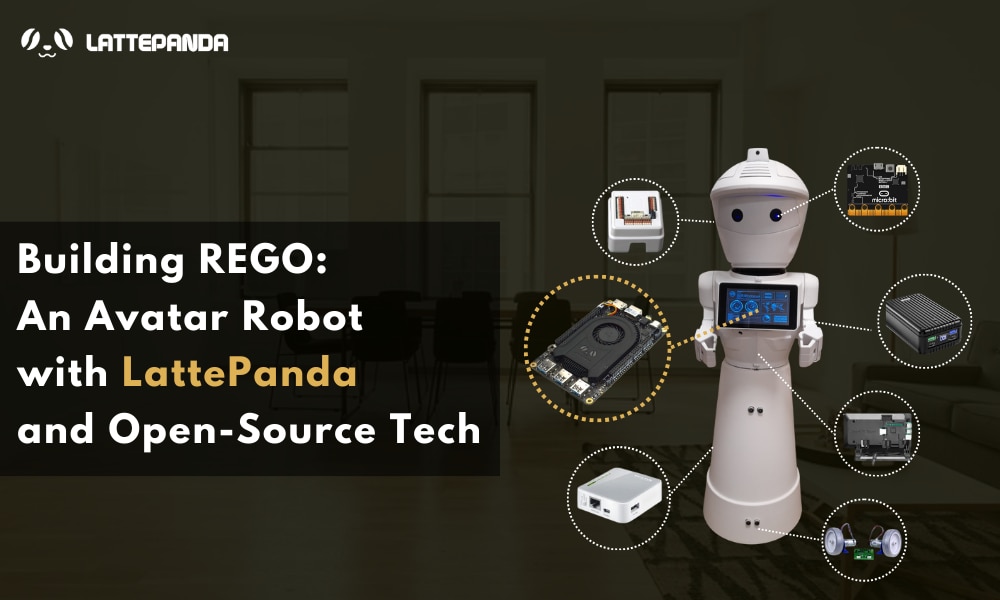
Discover REGO, an affordable and versatile avatar robot designed for remote control via an internet browser. Powered by the LattePanda 3 Delta, REGO features face recognition, obstacle detection, and mobile navigation. Perfect for educational purposes and interactive experiences, this open-source robot combines Raspberry Pi, EZ-Robot modules, and micro:bit for an engaging learning platform in robotics.
Takk skal du ha!
Hold øye med innboksen din for nyheter og oppdateringer fra DigiKey!
Angi en e-postadresse
Godta i avmerkingsboksen